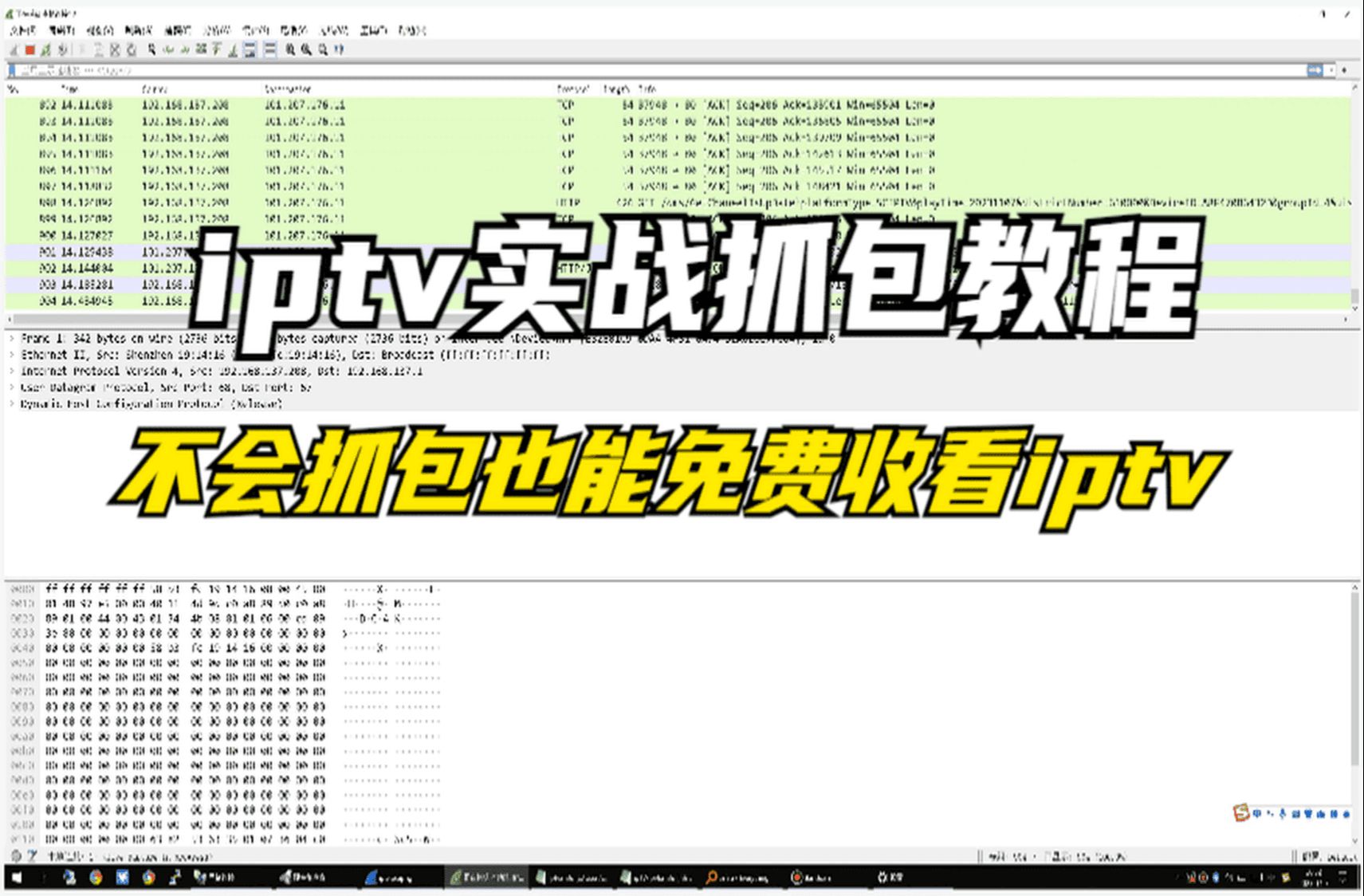
1.使用Openwrt抓包
网络结构
graph LR
C(光猫)
C --> D(op路由器)
D --> E(电视盒子)
1.1 Openwrt 安装 Tcpdump
1
2
| opkg update
opkg install tcpdump
|
1.2 Wireshark使用ssh抓包
选项拉到底,直接选择ssh dump抓包即可
- 如下图,填写完ip端口,然后用户和密码填写后即可直接开始抓包了

抓包过程
2.抓包
电视盒子开始开机,然后把所有的节目直播切换一遍,然后直接在Wireshark结束抓包然后保存,进行本地分析
3.抓包数据分析
3.1选择导出http对象
3.2过滤出list,选择内容类型为text/html的进行保存
4.处理并生成直播源
4.1 使用python进行处理上一步保存的文件
1
2
3
4
5
6
7
8
9
10
11
12
13
14
15
16
17
18
19
20
21
22
23
24
25
26
27
28
29
30
31
32
33
34
35
36
37
38
39
40
41
42
43
44
45
46
47
48
49
50
51
52
53
54
55
| import re
def extract_channel_info_and_generate_files():
input_file = "getchannellistHWCU.jsp"
m3u_output_file = "index2.m3u"
txt_output_file = "channel_list.txt"
pattern = r'ChannelName="([^"]+)",UserChannelID="\d+",ChannelURL="igmp://([^"]+)"'
try:
with open(input_file, 'r', encoding='utf-8') as f:
content = f.read()
matches = re.findall(pattern, content)
if not matches:
print("未找到任何频道信息,请检查文件内容或正则表达式!")
return
with open(m3u_output_file, 'w', encoding='utf-8') as f_m3u:
f_m3u.write("#EXTM3U\n")
for channel_name, ip_port in matches:
extinf_line = f"#EXTINF:-1,{channel_name}\n"
url_line = f"http://192.168.6.1:4022/udp/{ip_port}\n"
f_m3u.write(extinf_line)
f_m3u.write(url_line)
with open(txt_output_file, 'w', encoding='utf-8') as f_txt:
for channel_name, ip_port in matches:
full_url = f"http://192.168.6.1:4022/udp/{ip_port}"
txt_line = f"{channel_name},{full_url}\n"
f_txt.write(txt_line)
print(f"处理完成!共提取到 {len(matches)} 个频道信息")
print(f"- M3U文件已保存至:{m3u_output_file}")
print(f"- TXT文件已保存至:{txt_output_file}")
except FileNotFoundError:
print(f"错误:未找到文件 {input_file},请检查文件路径是否正确!")
except Exception as e:
print(f"处理过程中出现错误:{str(e)}")
if __name__ == "__main__":
extract_channel_info_and_generate_files()
|
4.2将处理后得到的m3u文件和txt文件上传到码云等平台即可
5.op开启udpxy
5.1安装udpxy
直接在op web管理面板下载即可
5.2开启udpxy
6.电视使用
李宅自用IPTV软件
直接在设置中的节目单中填写第四步txt文件的链接即可
7.电脑和手机
使用vlc播放第四步得到的m3u文件即可